OplitoJoin the list

All-in-one Mac utility · On-device AI

30 tools. On-device AI. One app.

Oplito is an all-in-one Mac utility app with AI built in: find why your Mac is slow, hot or full, clear space safely and work faster, while on-device AI finishes your sentences, types what you say and explains what it finds.

7 days free at launch · cancel any time · macOS 26 on Apple silicon

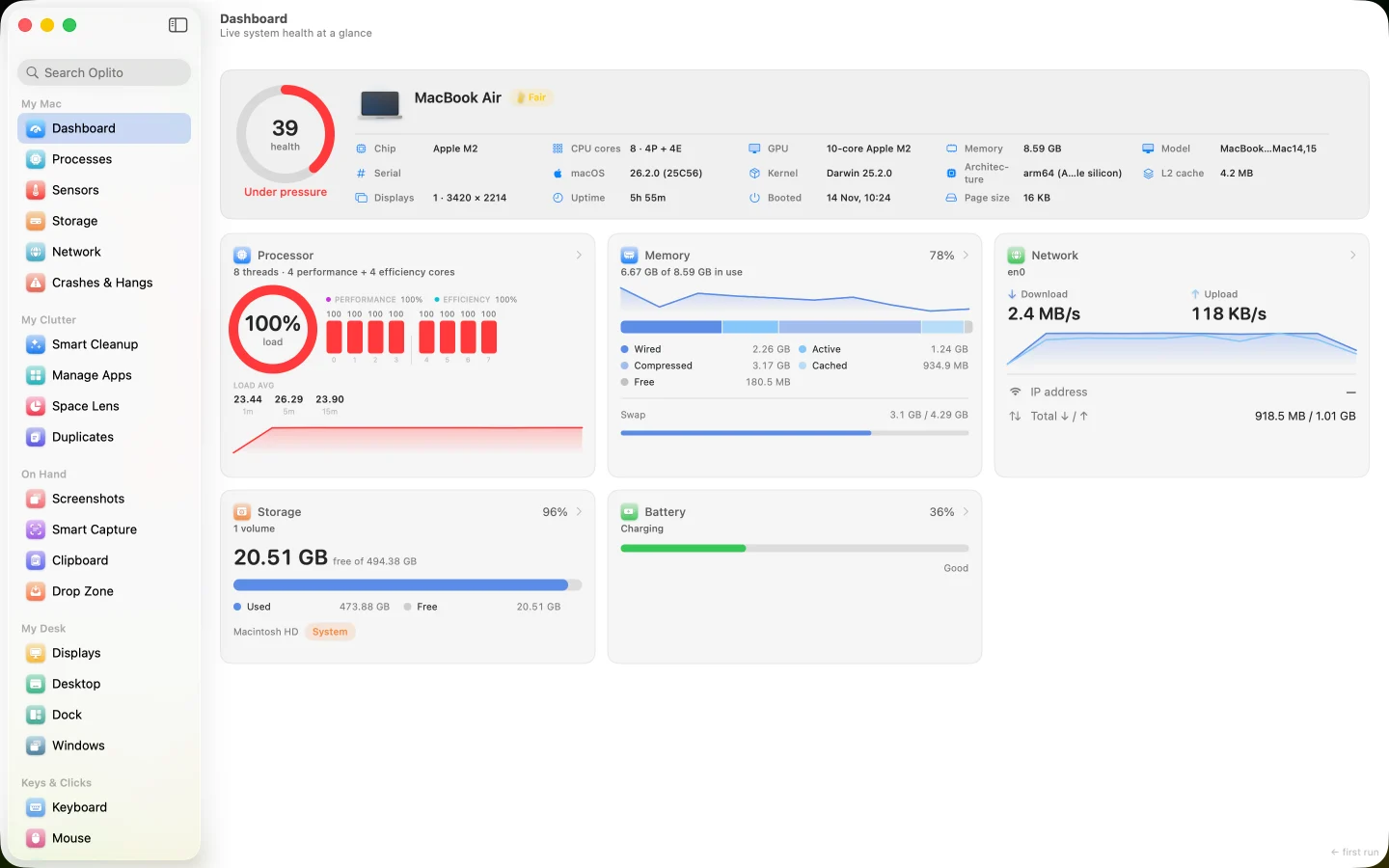
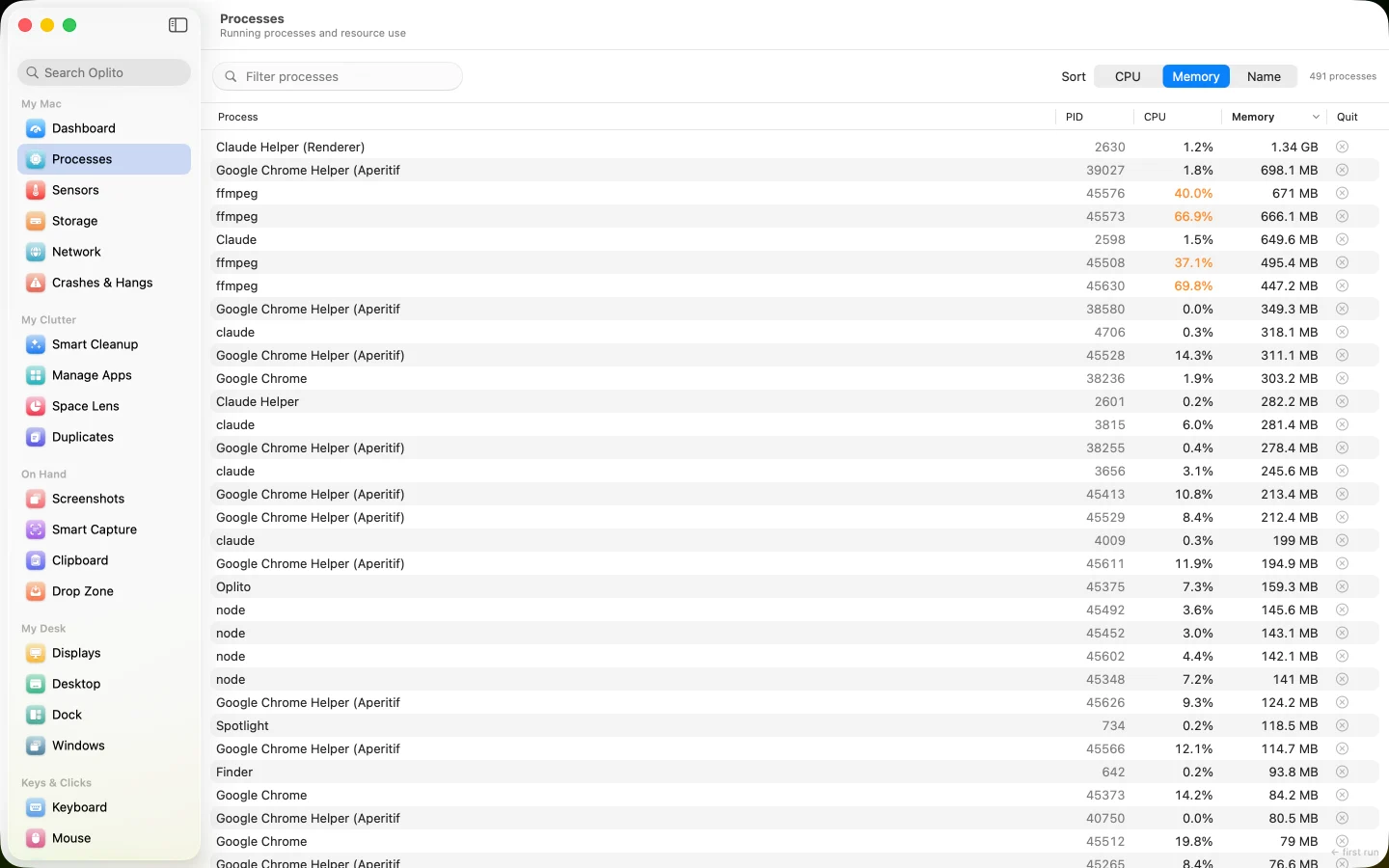
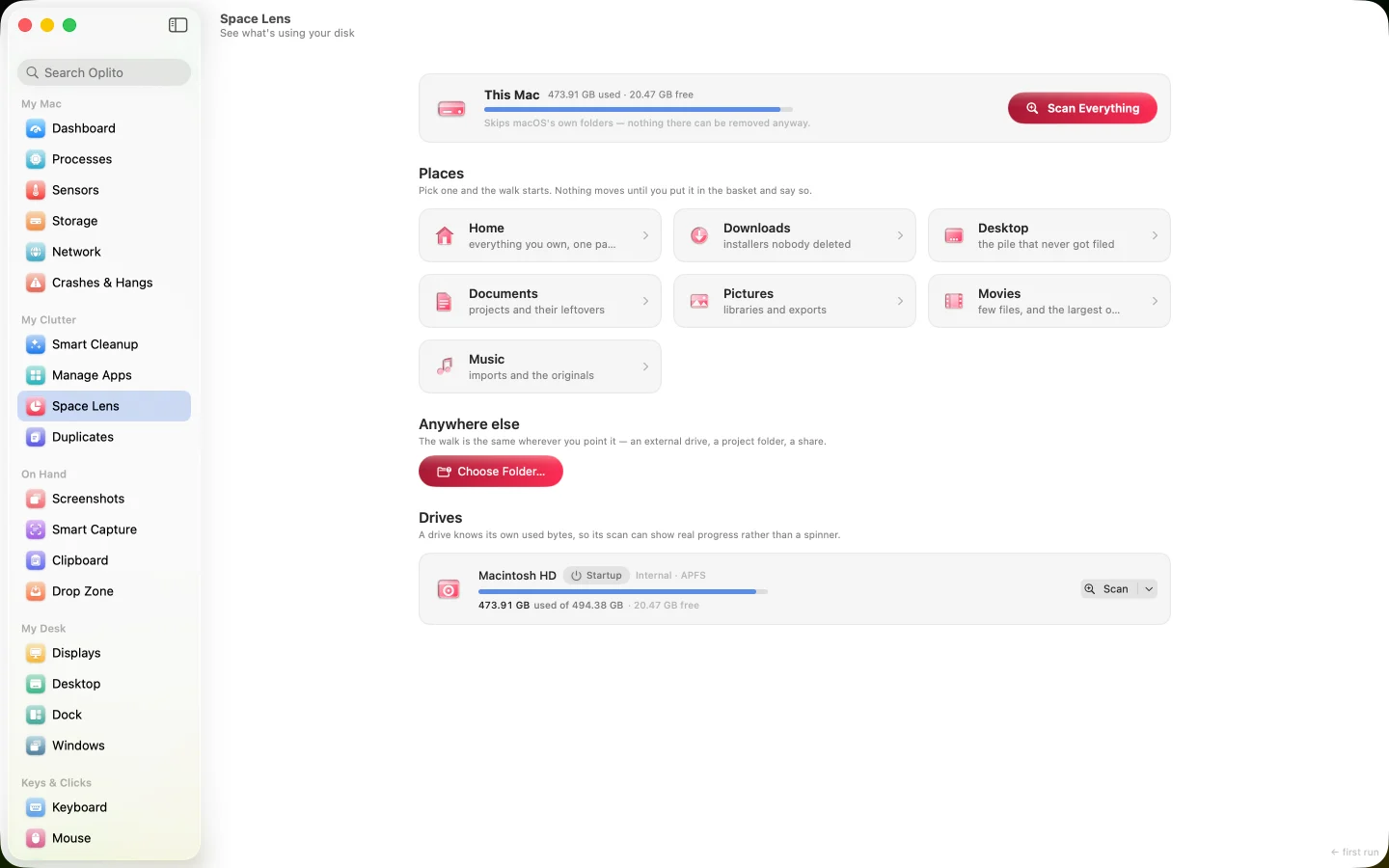
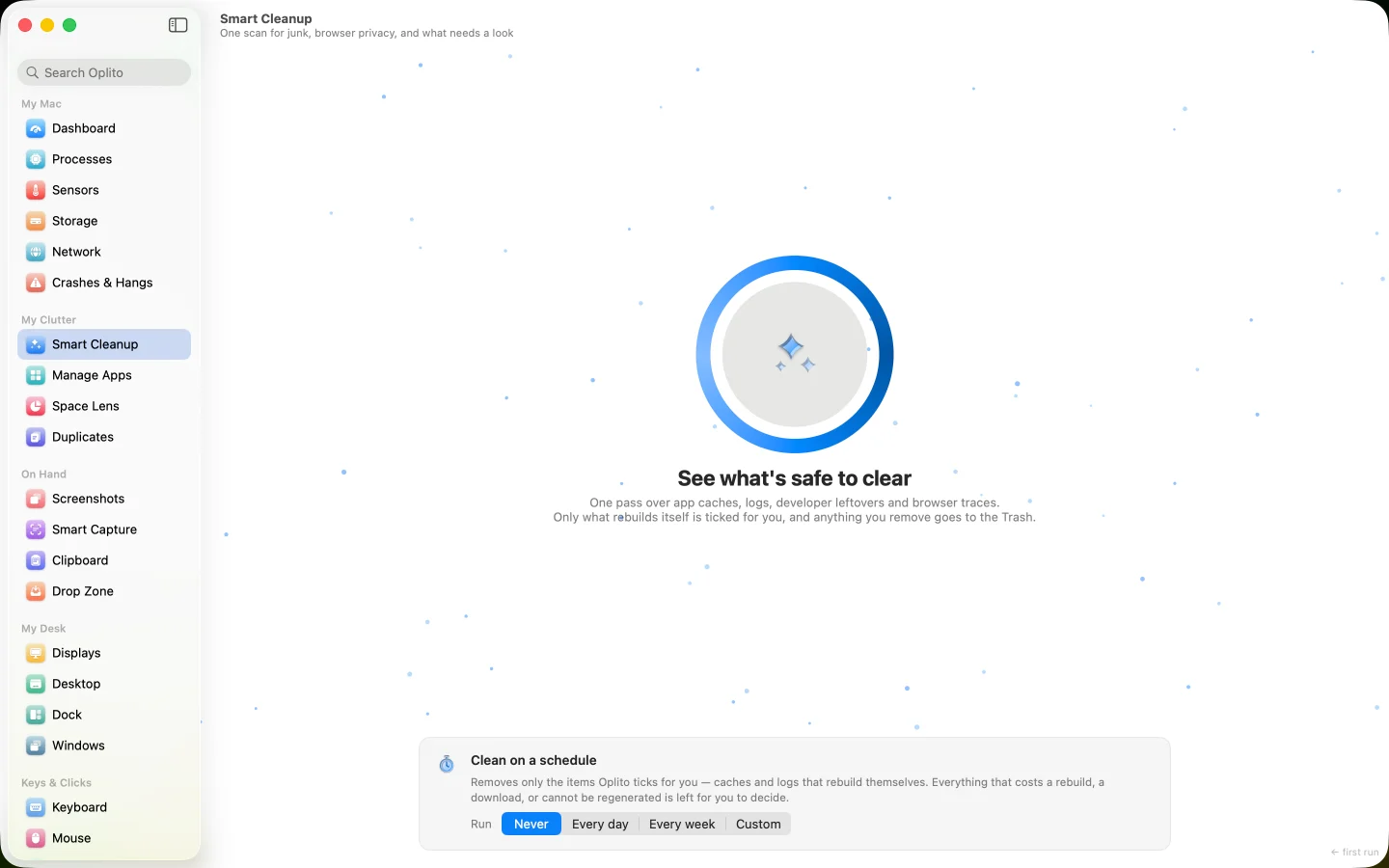
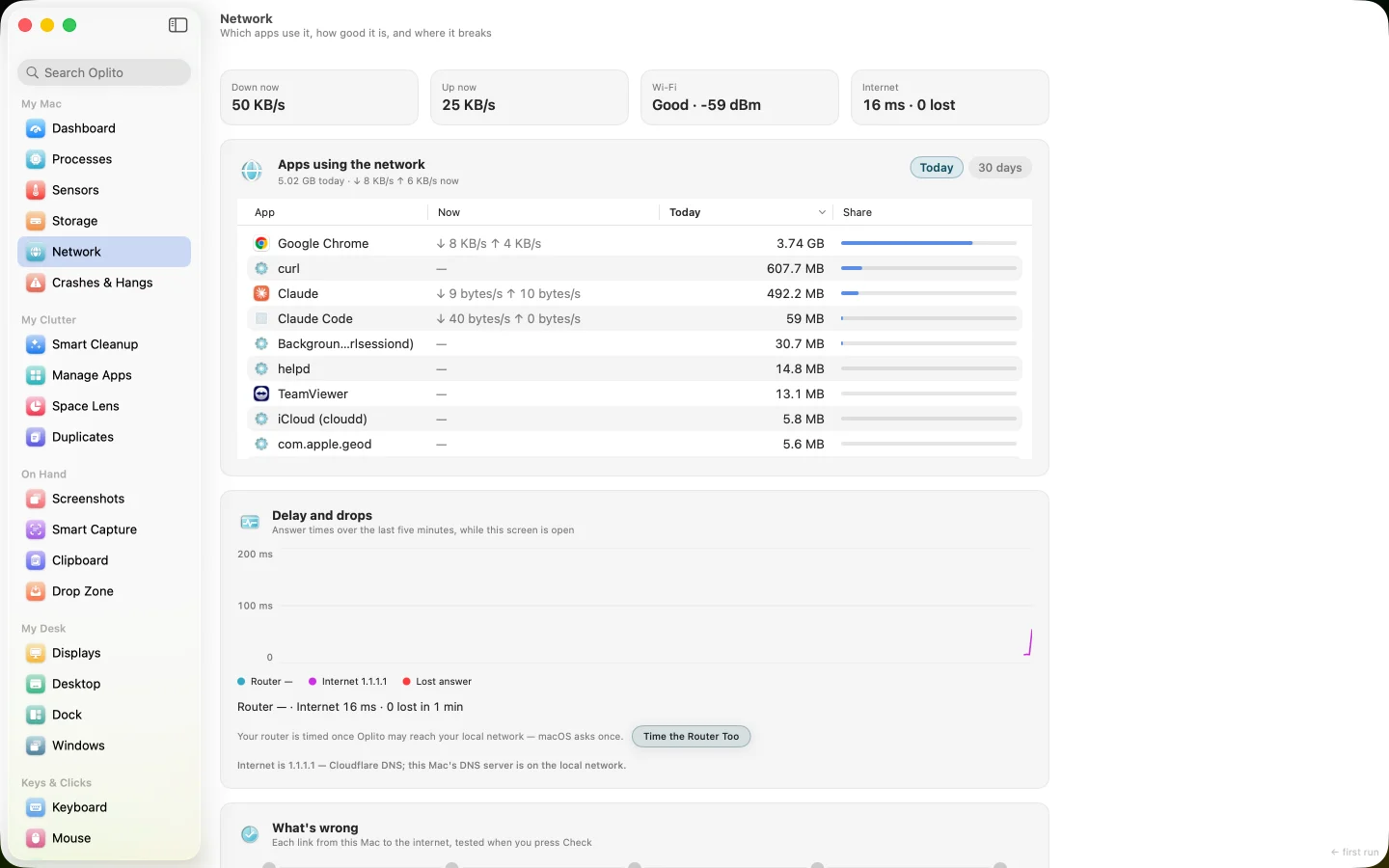
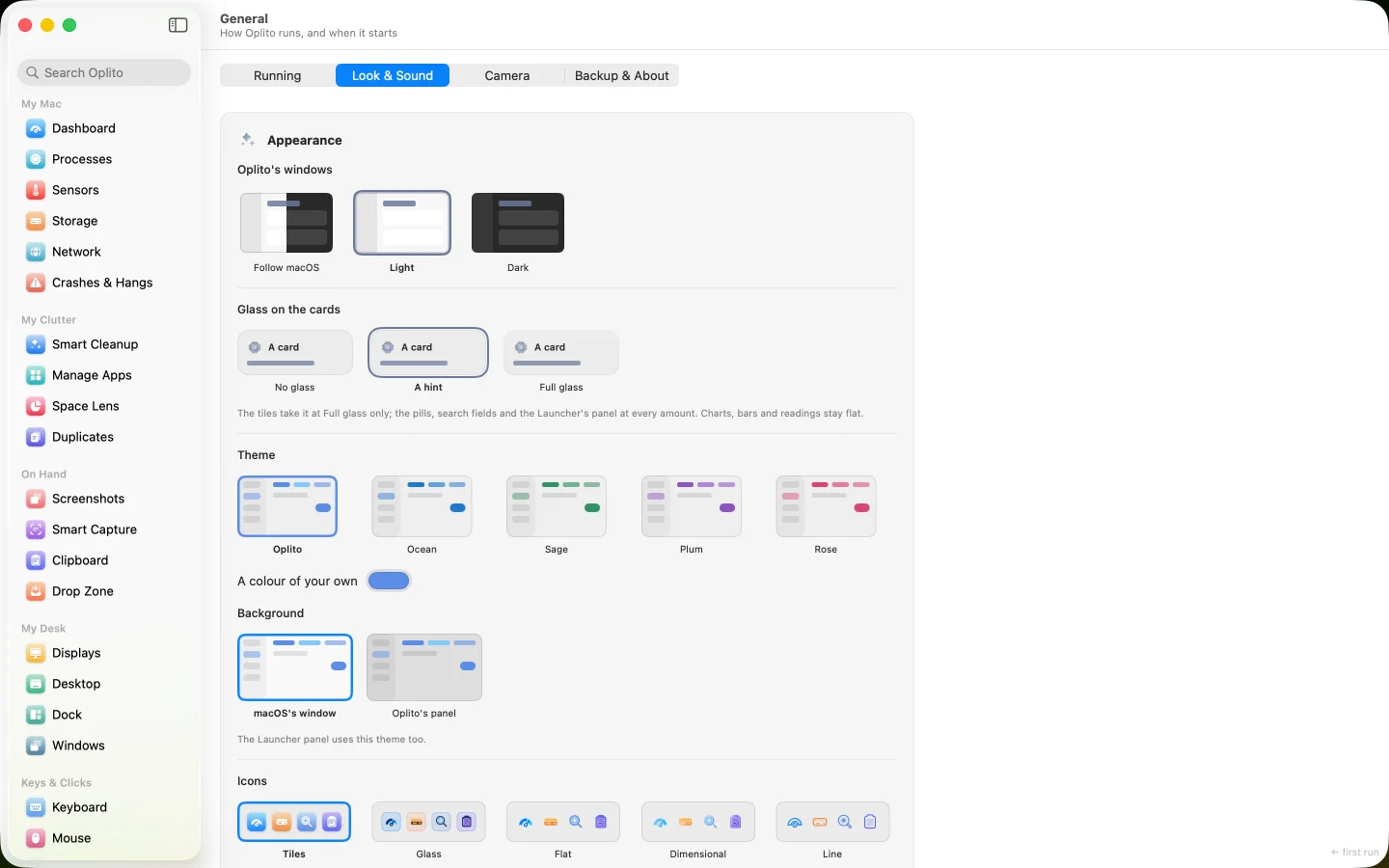
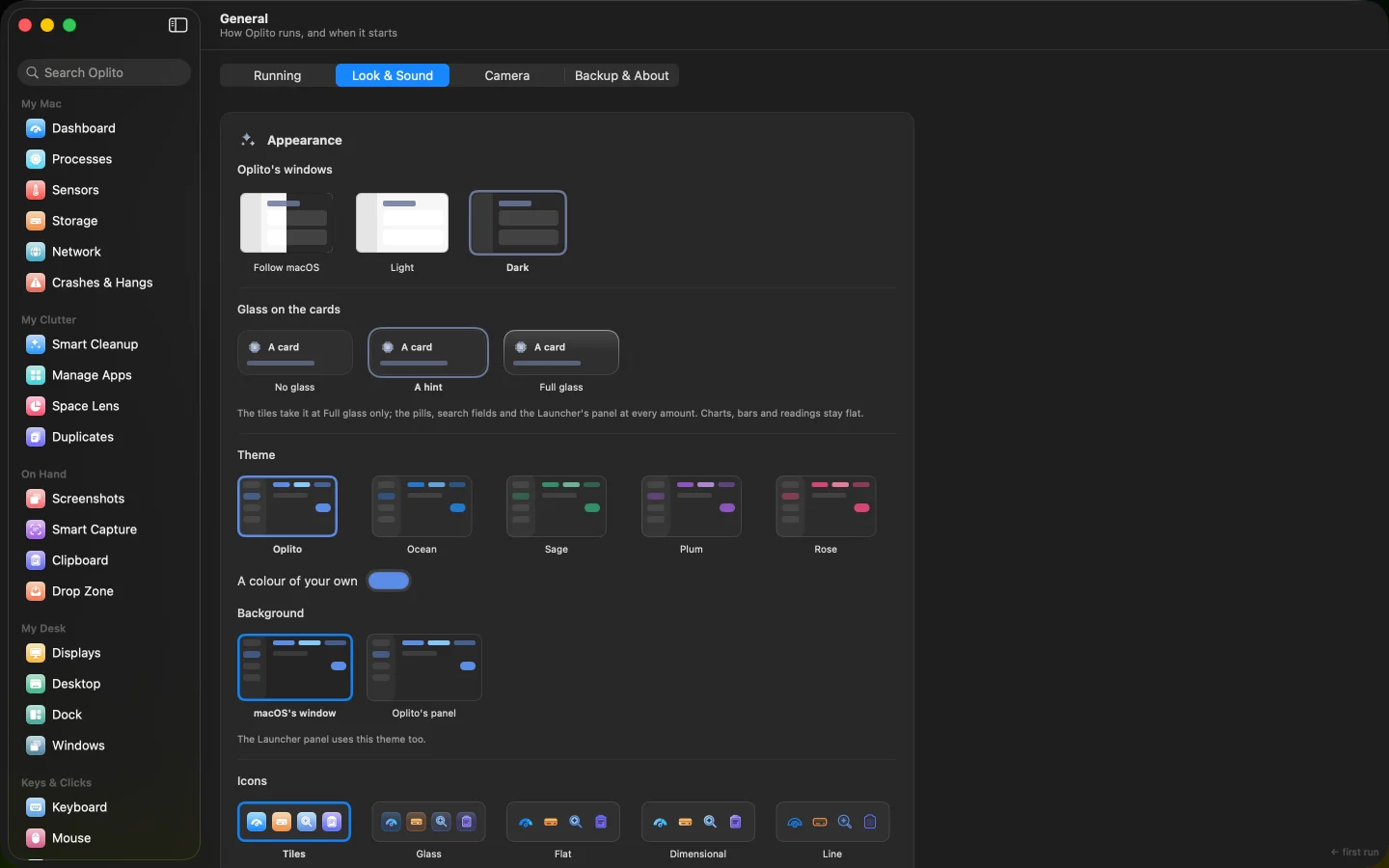
A capture of Oplito, running on a Mac. Its readings are that Mac’s.

What Mac users search for, every day

A slow or hot Mac, a full disk, and a drawer of single-purpose apps.

People search

  • why is my mac so slow all of a sudden
  • macbook fan loud for no reason
  • macbook running hot and slow

Slow or hot

Oplito shows which process is working your Mac hard, and what each temperature means, in plain words.

People search

  • mac storage full system data
  • startup disk is full mac how to fix
  • how to free up space on mac

A full disk

Space Lens shows where the space went; Smart Cleanup clears only what rebuilds itself, via the Trash.

People search

  • best mac utility apps 2026
  • mac apps bundle subscription
  • one time purchase mac apps

Too many utilities

One app with 30 tools for jobs often split across separate utilities, paid once or yearly.

30 tools

30 tools, by the job they do

Understand and fix, free up space, work faster, type and capture, and make it yours. Every tool has its own page.

Illustrations of each tool, with sample content.

See all 30 Oplito tools

Launcher

One key, a few letters, Return

Keyboard

Change what a key does

Shortcuts

Hold a key, aim, release

See what Oplito can do

Illustrations of Oplito, with sample content.

Films

Oplito, in motion

Six short films, one for each part of Oplito.

Films of Oplito, with sample content. No sound.

On-device AI

AI that works on your Mac

11 of the 30 tools use AI. Apple's on-device model answers where Apple Intelligence is on, and Oplito's own model, which ships inside the app, everywhere else. Every AI feature has its own switch.

VOICE · In progress

An illustration of Whisper Typing, with sample content.

Whisper Typing

Hold Fn and speak; your words appear at the cursor. Speech is recognised on your Mac, and the sound is never saved or sent.

Learn more about Whisper Typing

TYPING

An illustration of Predictive Typing, with sample content.

Predictive Typing

Suggestions come from a model that runs on your Mac and ships inside the app. Nothing you type or read on screen is sent anywhere.

Learn more about Predictive Typing

TEXT

An illustration of Smart Capture, with sample content.

Smart Capture

Text and codes are read on your Mac, from any area, window, screen or image. Making a QR code sends nothing.

Learn more about Smart Capture

And in 8 more tools

See all of Oplito’s on-device AI

A new dictation language downloads once from Apple, and a larger typing model is an optional download.

Made for how you use your Mac

One app and the same 30 tools for everyone. Here is where each kind of Mac user starts.

Keep your Mac calm and clear

See why it's slow or hot, free up space without risking anything you can't get back, and keep the desktop tidy.

  • A health ring that shows its workings
  • Only what regrows is pre-ticked
  • Everything removed goes to the Trash

Does the job of a

system monitorMac cleanerdisk space analyzer

Fewer steps, all from the keyboard

Open anything with ⌥Space, snap windows by key, bind your own chords, and change what any key does.

  • Nothing is bound until you choose
  • ⌘Tab is never taken
  • Layouts come back with your displays

Does the job of a

app launcherwindow managerkey remapper

Mac apps for power users

Terminal-friendly and Homebrew-aware

Read your Mac from a Terminal command, open Terminal in any Finder folder, stop Homebrew services, and review Xcode archives yourself.

  • oplito read cpu, with exit codes
  • Xcode Archives are never pre-ticked
  • Paths copied quoted for Terminal

Does the job of a

process monitorapp uninstallerFinder add-on

Capture, colour and sound, handled

Record the screen with captions, pick colours with a contrast check, and set each display's colour and each app's volume.

  • HEX, RGB, HSL, SwiftUI and OKLCH
  • WCAG and APCA contrast checks
  • Captions saved beside every export

Does the job of a

screen recordercolour pickervolume mixer

Focus, then rest on time

Put distracting apps and sites away while you work, take breaks on time, copy text from anything on screen, and type by voice.

  • Ready-made lists: Social, Video, Games…
  • History shows where the time went
  • It counts and never judges

Does the job of a

focus timerwebsite blockerdictation app

Light by design

Measured on a real Mac, with the date and the machine named.

30Tools in one app

Turn any tool off in Features: it stops running and keeps its settings.

20 MBMemory while it waits

Window shut, in the menu bar. Five samples, 18.9 to 20.9 MB.

<2%CPU while it waits

The same five samples: 0 to 1.8% of one core.

1Third-party dependency

llama.cpp (MIT licence), which runs the typing model. Everything else is Apple’s own frameworks.

Measured on a MacBook Air (M2, 8 GB) on macOS 26.2, 16 November 2026, with Oplito launched as an app, never from a terminal.

The work behind it

No reviews to quote yet, so here is the work itself: what was built, tested and written down, and when.

1,344Commits

Every change to the app, in order, on the main branch.

2,862Automated tests

In the app’s source, counted when this page was built.

930Steps written down

Dated entries in the project’s log: what changed, and why.

Swift and SwiftUIMade for Apple siliconmacOS 26

Privacy and safety

Your Mac stays yours

Oplito reads your Mac on your Mac. Here is exactly what can leave it, and what never does.

What can leave your Mac

Only what a feature needs, each one named: the speed test (Apple's servers, when you press Test); Launcher's web answers (on by default, with a switch); the daily wallpaper and the public address (only if you turn them on); a new dictation language (from Apple, once); and Oplito's own licence and update checks.

Every deletion goes to the Trash first

So you can put anything back until you empty it. A dialog names how much will move and how to recover it.

Nothing irreplaceable is pre-ticked

Only caches and logs that rebuild themselves arrive ticked. Cookies, history and your files never do.

Permissions, asked when a tool needs them

Each request names the tool and the reason. Without it, the tool still shows what it can and names what it couldn't read.

What Oplito sends from your Mac

Pricing

Pay once, or yearly

$99 once and it's yours, or $39 a year for always the newest Oplito, on up to 3 of your Macs. 7 days free with every tool, cancel any time, so you know before you buy.

Own it

Lifetime

$99 once

Everything here today is yours permanently, with three years of new features. Up to 3 of your Macs.

Yearly

$39 a year

Always the newest Oplito: every tool and feature the day it ships. Up to 3 of your Macs.

Compare the plans in full

Questions

Is Oplito safe to use on my Mac?

It changes nothing without asking. Everything it removes goes to the Trash first, only caches that rebuild themselves are ever pre-ticked, and every item says what it is before you tick it. Many tools only read.

Why does it ask for Full Disk Access?

Only tools that look across the whole Mac need it, such as a whole-Mac scan in Space Lens. Each asks when you first use it, and says why. Without it, the tool still works on what it may read and names the folders it couldn't.

Is it a subscription?

Your choice. Pay $99 once and keep it, or $39 a year for every new feature as it ships. Both start with 7 days free, cancel any time.

Does it replace Activity Monitor or Spotlight?

It sits beside them. Processes explains what each process is and what quitting it would break; for anything more, it points you to Activity Monitor. Launcher's actions also appear in Spotlight.

Which Macs does it run on?

Macs with Apple silicon running macOS 26. Knock needs a MacBook Air or Pro with M2 or later; other Macs can tap the trackpad instead.

Every tool. All the AI. One price.

All 30 tools and every AI feature for $99 once, or $39 a year. Try them all free for 7 days at launch, cancel any time.

One email at launch, and nothing else · macOS 26 on Apple silicon